Onboarding
Milo's intro, your name and WhatsApp, your CV or LinkedIn, then chat, then a review of the search.
Onboarding
Onboarding is about five minutes with Milo. The aim is the first application. He needs a name, a way to reach you, and a CV or LinkedIn he can read.
Intro
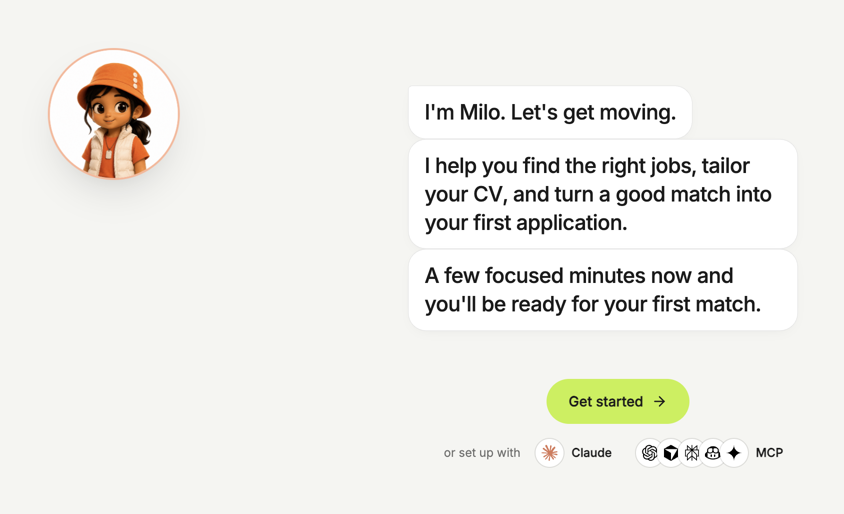
Milo introduces himself and the first application. From this screen you can also connect MYO to Claude, or to another MCP client. See Connect an assistant.
Your name and WhatsApp
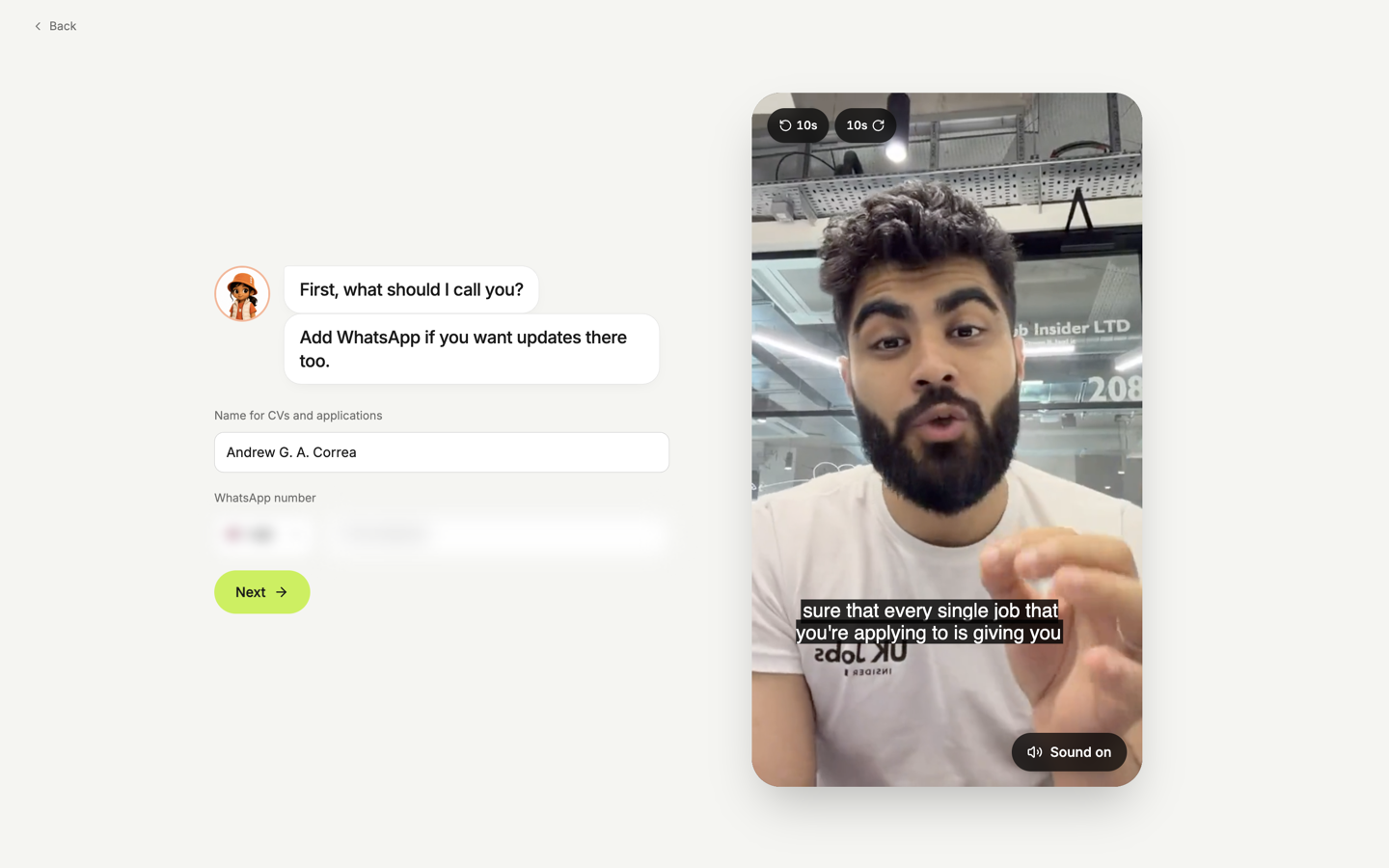
Milo asks what to call you on CVs and applications. Add a WhatsApp number, with its country code, if you want updates there. You can skip the number and add it later in Settings.
CV or LinkedIn
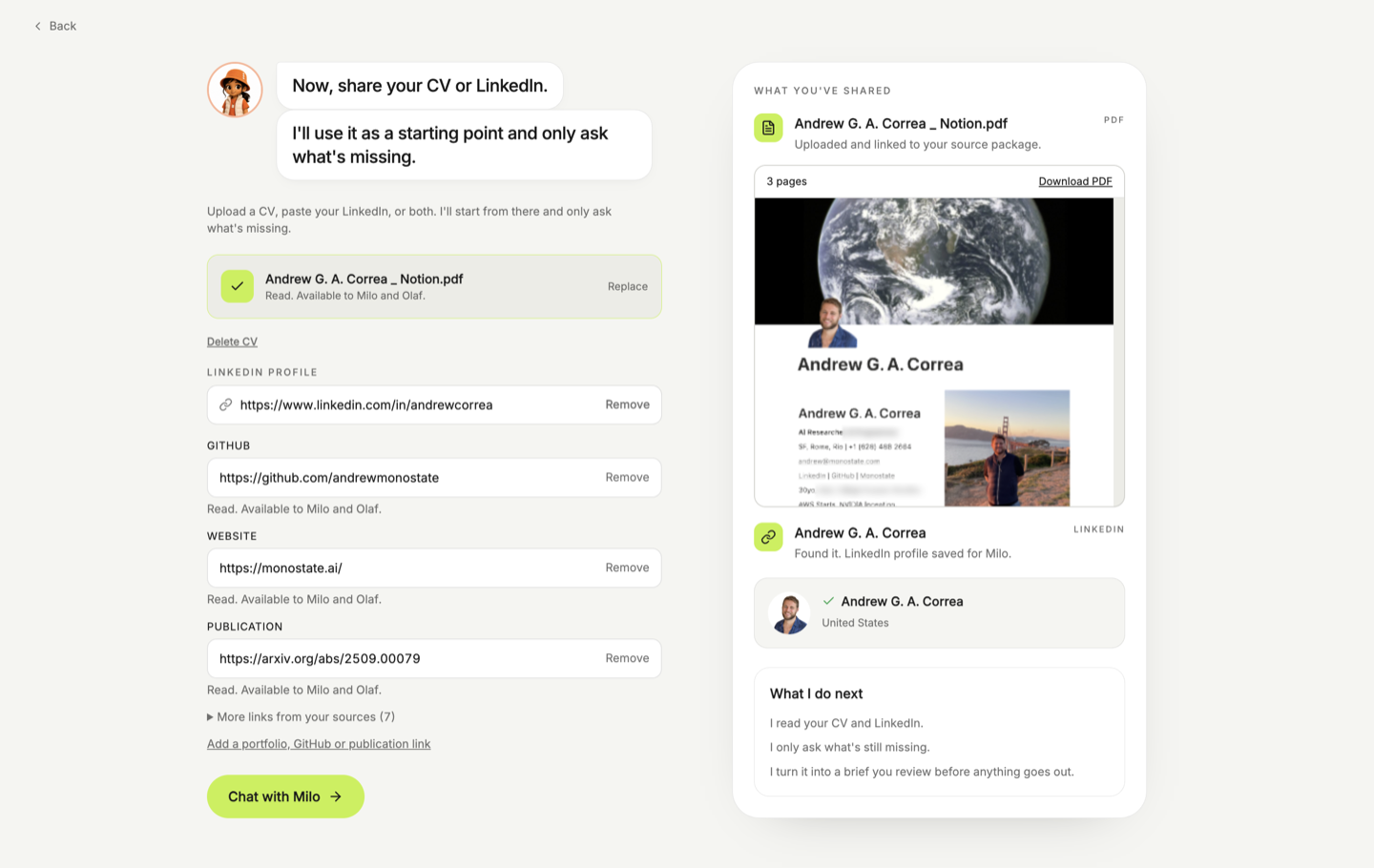
Upload a PDF or DOCX up to 10 MB, paste a LinkedIn profile, or both. A portfolio, GitHub, or publication link is optional. Milo starts from what you share and only asks what is missing.
You need a CV or a LinkedIn profile before the chat opens.
Chat
Chat with Milo is the rest of setup. He asks about the roles you want and keeps the answers on your brief. You can type, or switch to a voice call. Saved role votes stay available if you have already marked roles you like.
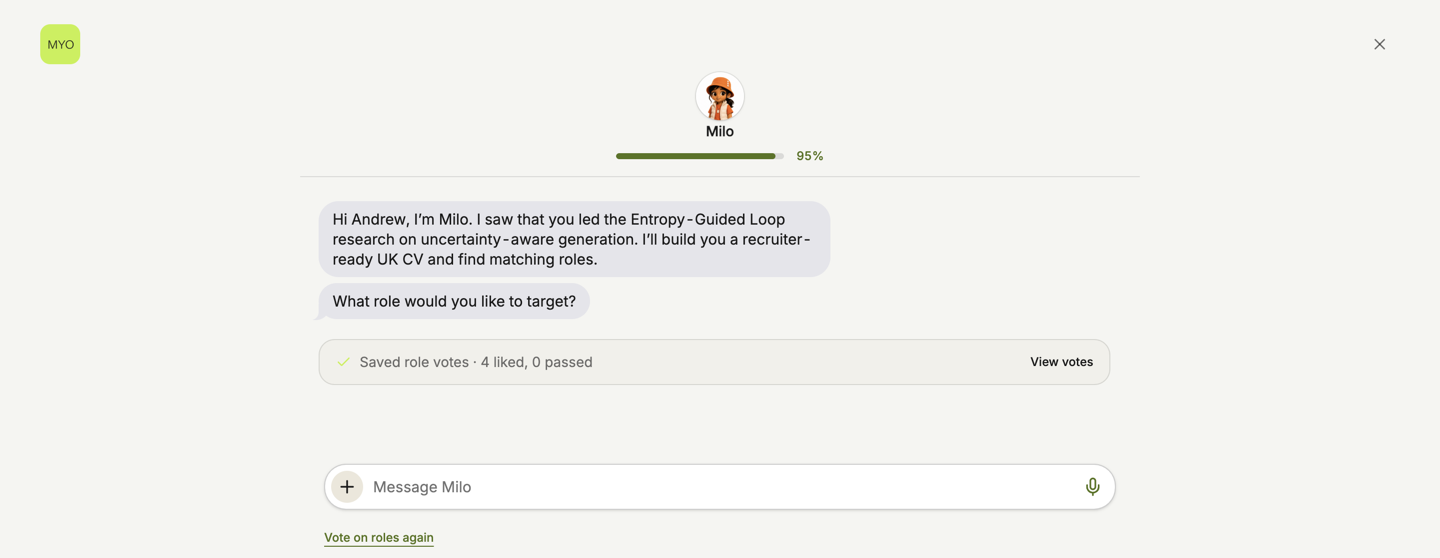
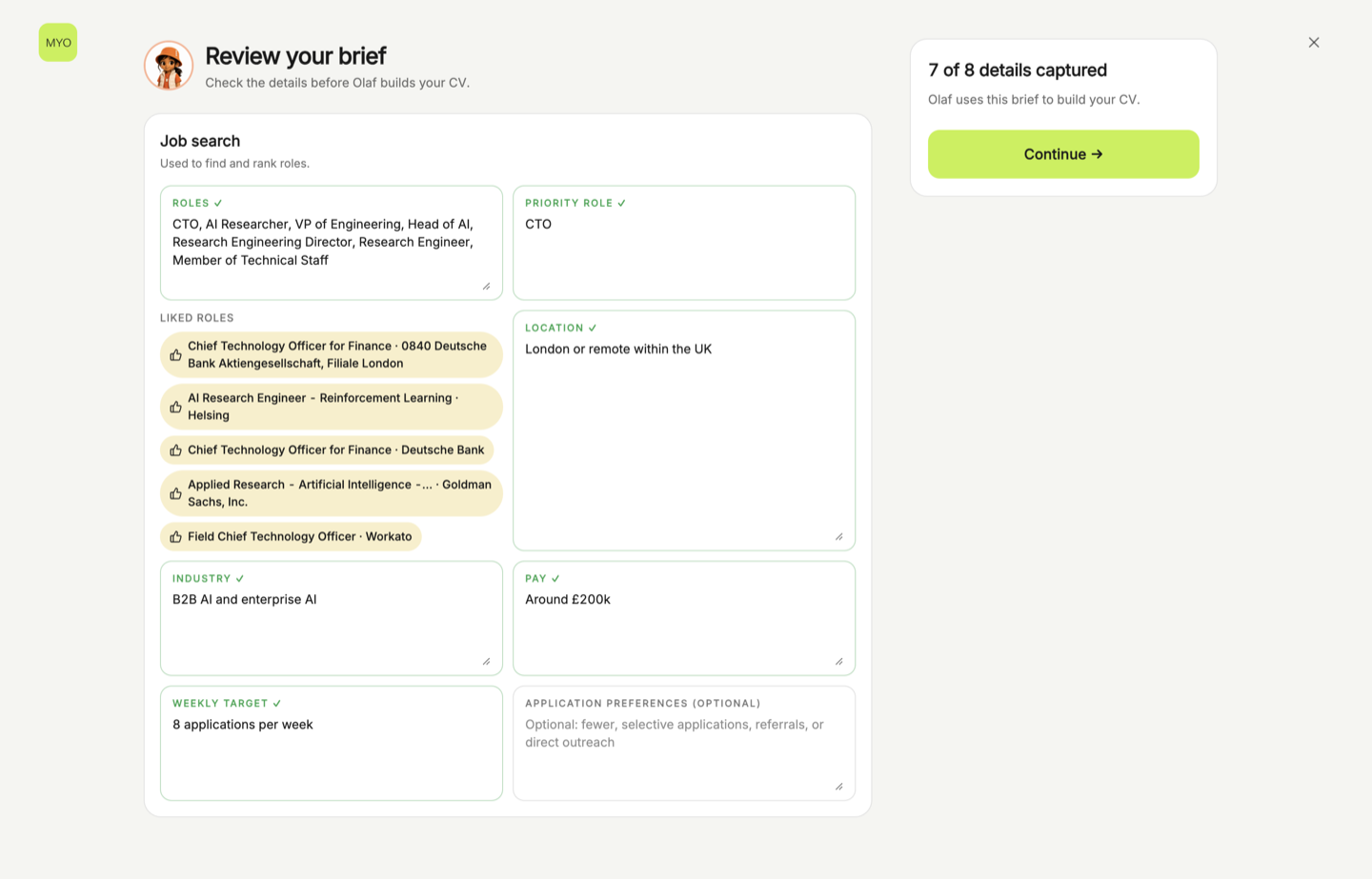
When the chat is finished, review the search Milo saved: roles, the first-priority role, location, industry, pay, and how many applications you want each week. Edit anything that is wrong, then continue. Olaf drafts your Base CV from that brief. Fix a gap if he flags one, or continue into the workspace: Chat, Opportunities, Tracker, Drive, and Analytics.
Run it again
Open Settings and choose Replay onboarding. Your saved answers stay. The chat starts clean, and recommendations refresh.
Replay tour is the first-application walkthrough. It keeps the brief. See Walkthrough.
Reset, under Reset or delete, clears search data. That is a different action. Use replay when you only want the intro again.