
Walkthrough
The first-application tour. Pick a role, let Olaf prepare it, and leave your saved brief in place.
Walkthrough
The walkthrough is a guided pass over the first application. It does not reset your account, and it does not clear the brief.
Welcome
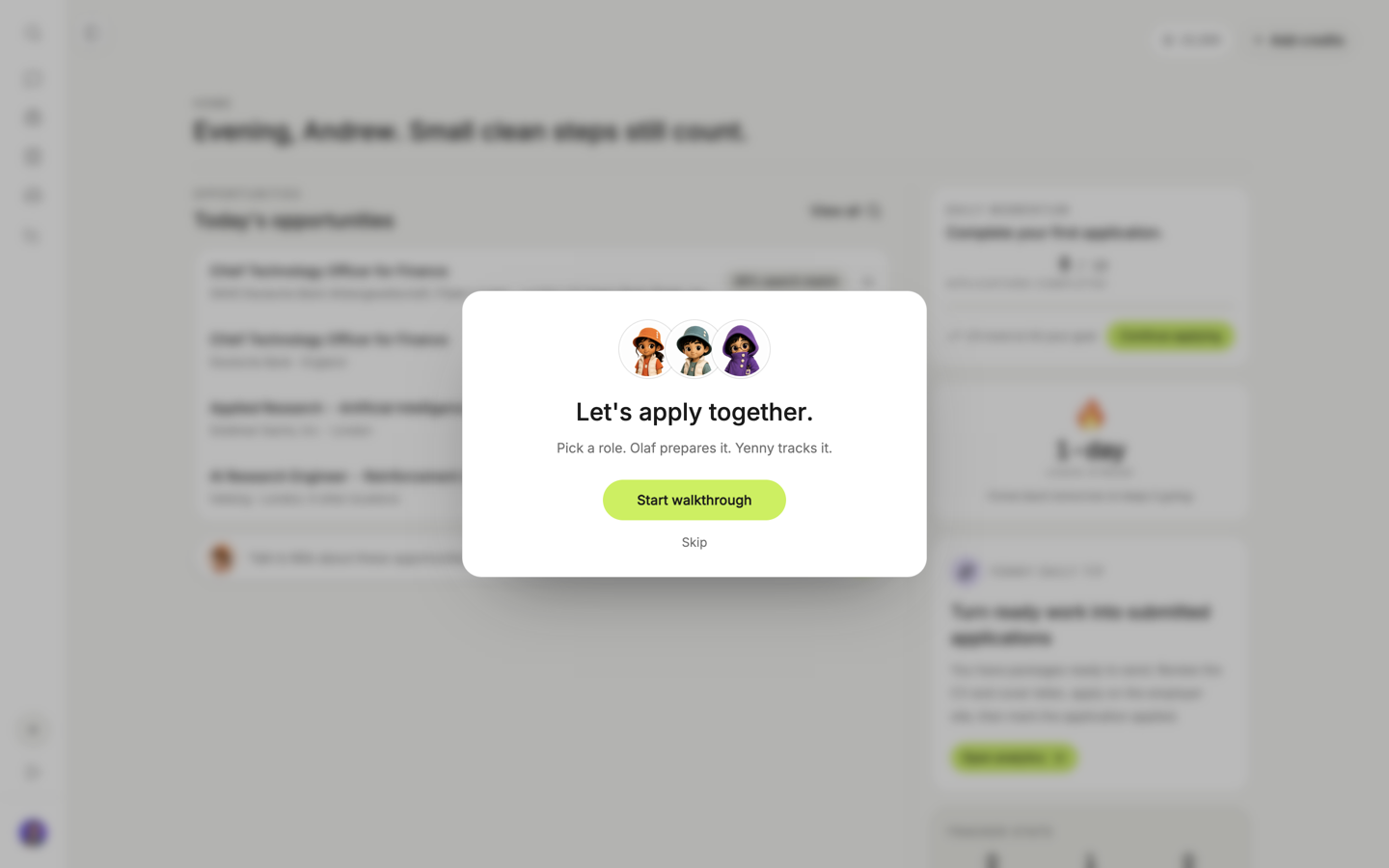
The tour opens on Home. Milo, Olaf, and Yenny are the crew: you pick a role, Olaf prepares it, Yenny tracks it.
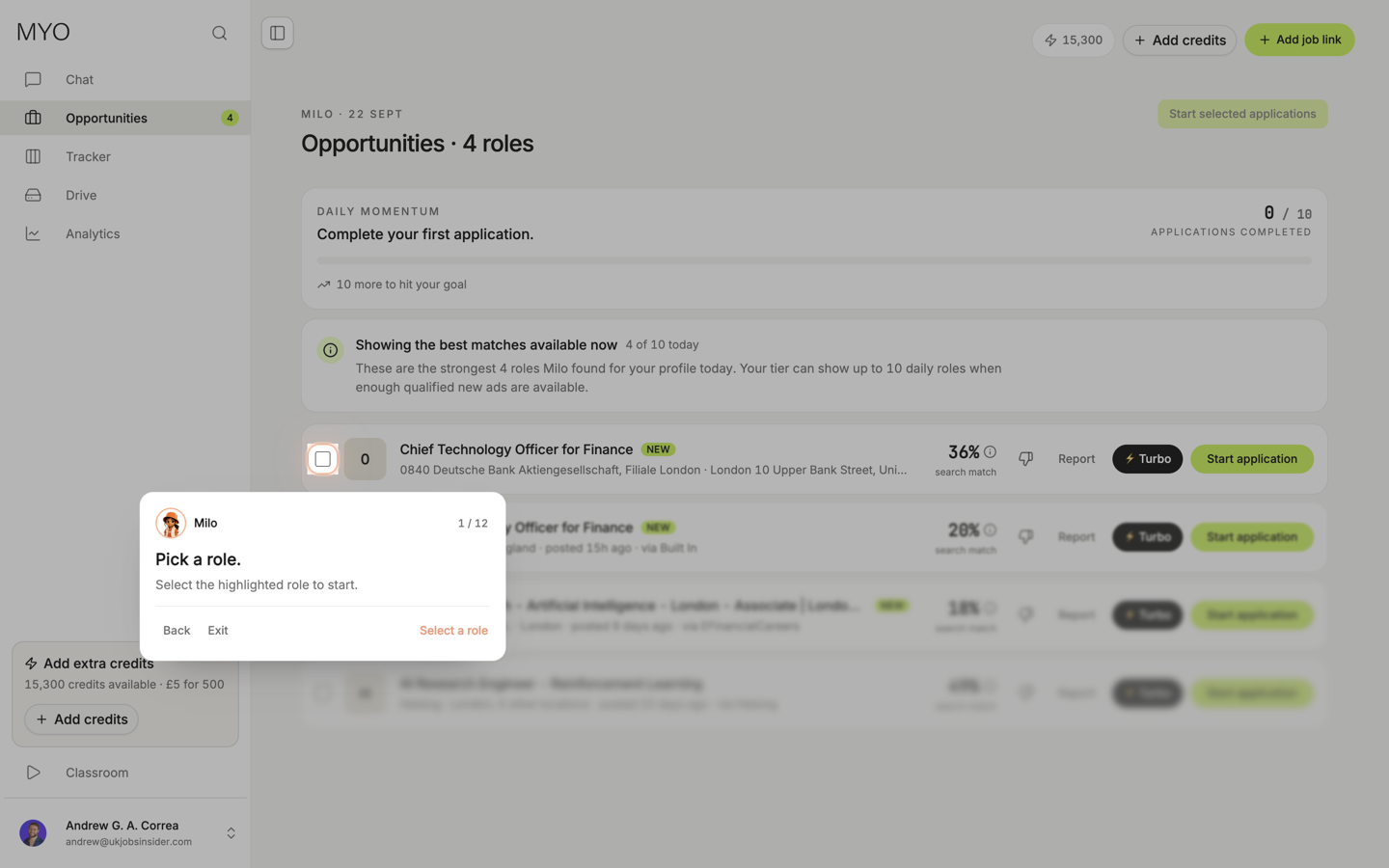
Pick a role
The tour moves to Opportunities and highlights one role. Select that role. This step only selects it.
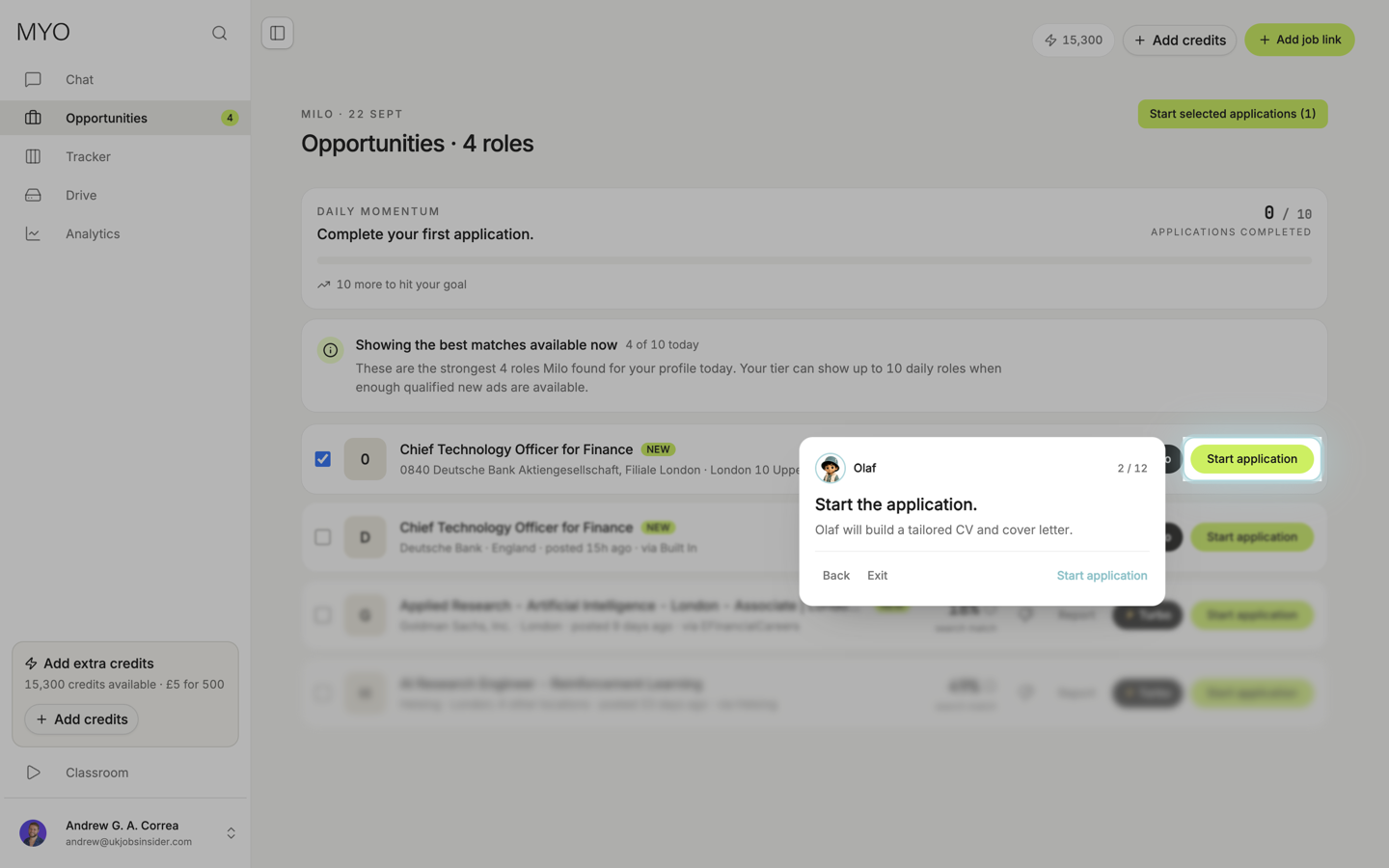
Start the application
The next step points at Start application. Olaf builds a tailored CV and cover letter for that role. You can exit the tour before you start one.
After the package exists, the rest of the tour is the same work you do on any application: review the CV and cover letter, export, open the employer page, and mark it submitted when you have sent it. If you have not sent it yet, choose I'll submit later.
Replay
Open Settings and choose Replay tour. Your saved brief stays. Use Replay onboarding when you want Milo's intro again. Replay lives on Profile and on Theme and layout.