Theme and layout
System, Studio, Dark, or Maximalist, plus Canvas and replay.
Theme and layout
Choose how the workspace looks, and replay setup from here.
Theme
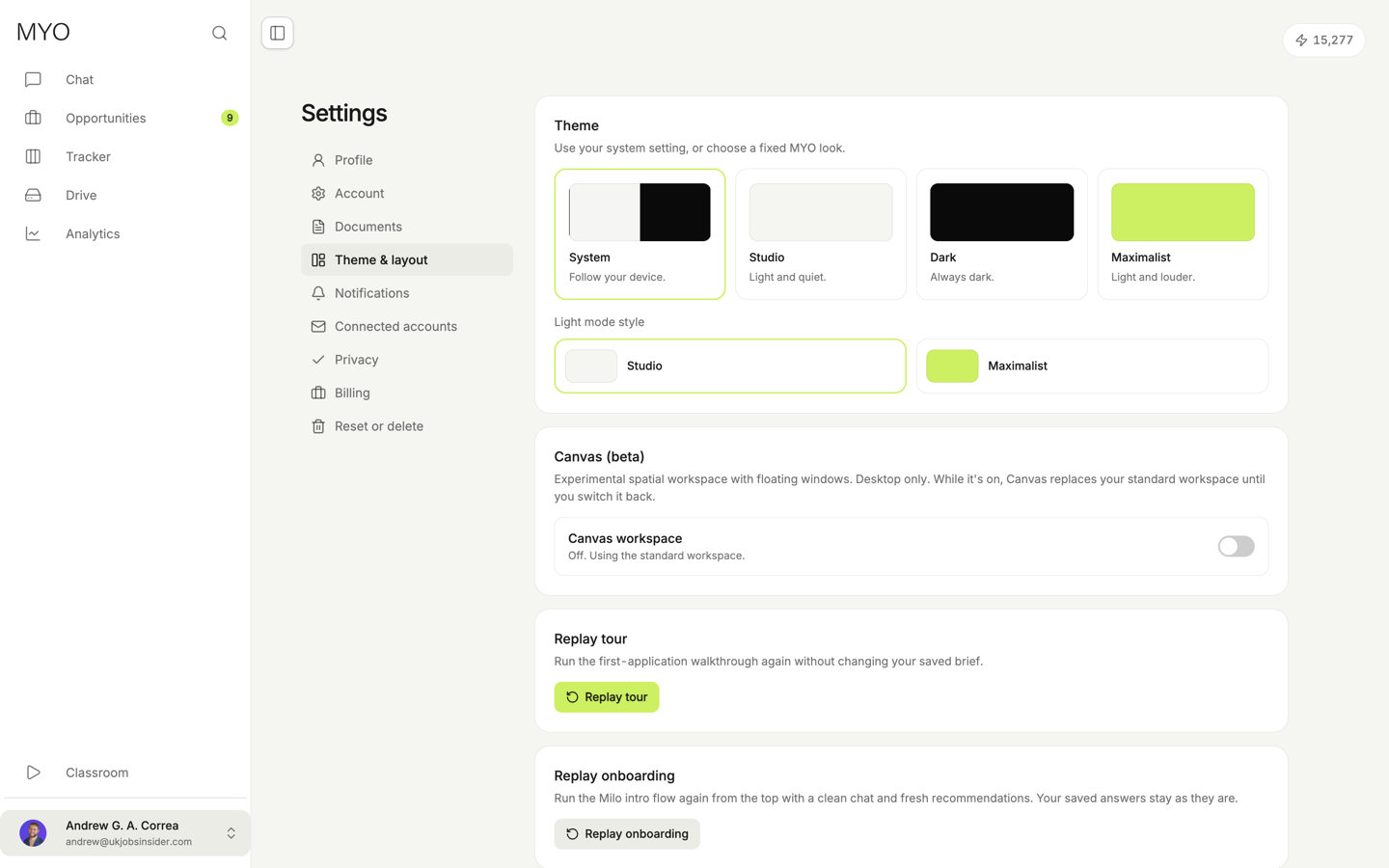
System follows your device. When System is on, you still pick the light style: Studio or Maximalist.
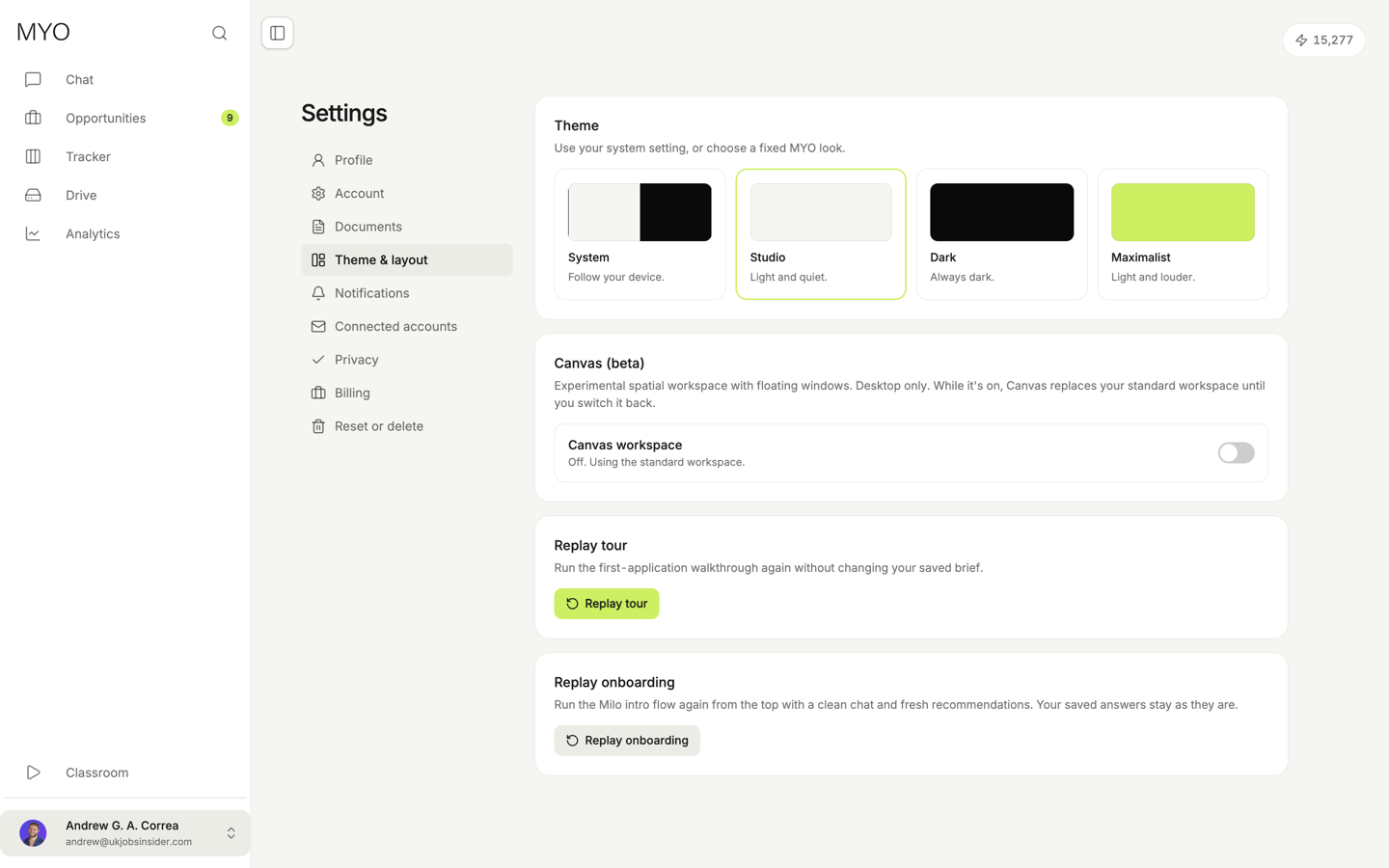
Studio is light and quiet.
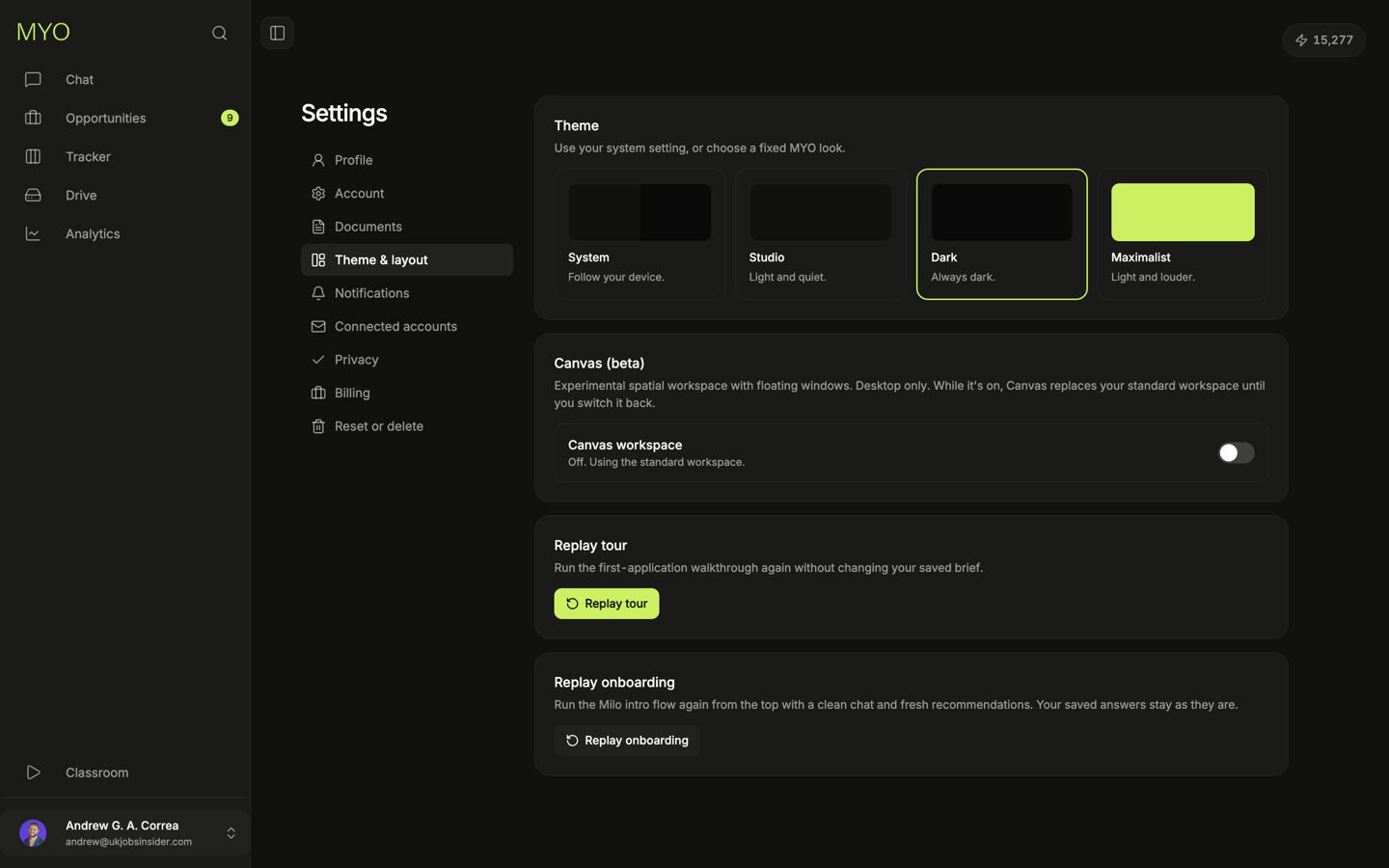
Dark stays dark.
Maximalist is light and louder. Lime shows up on the active row and the main buttons.
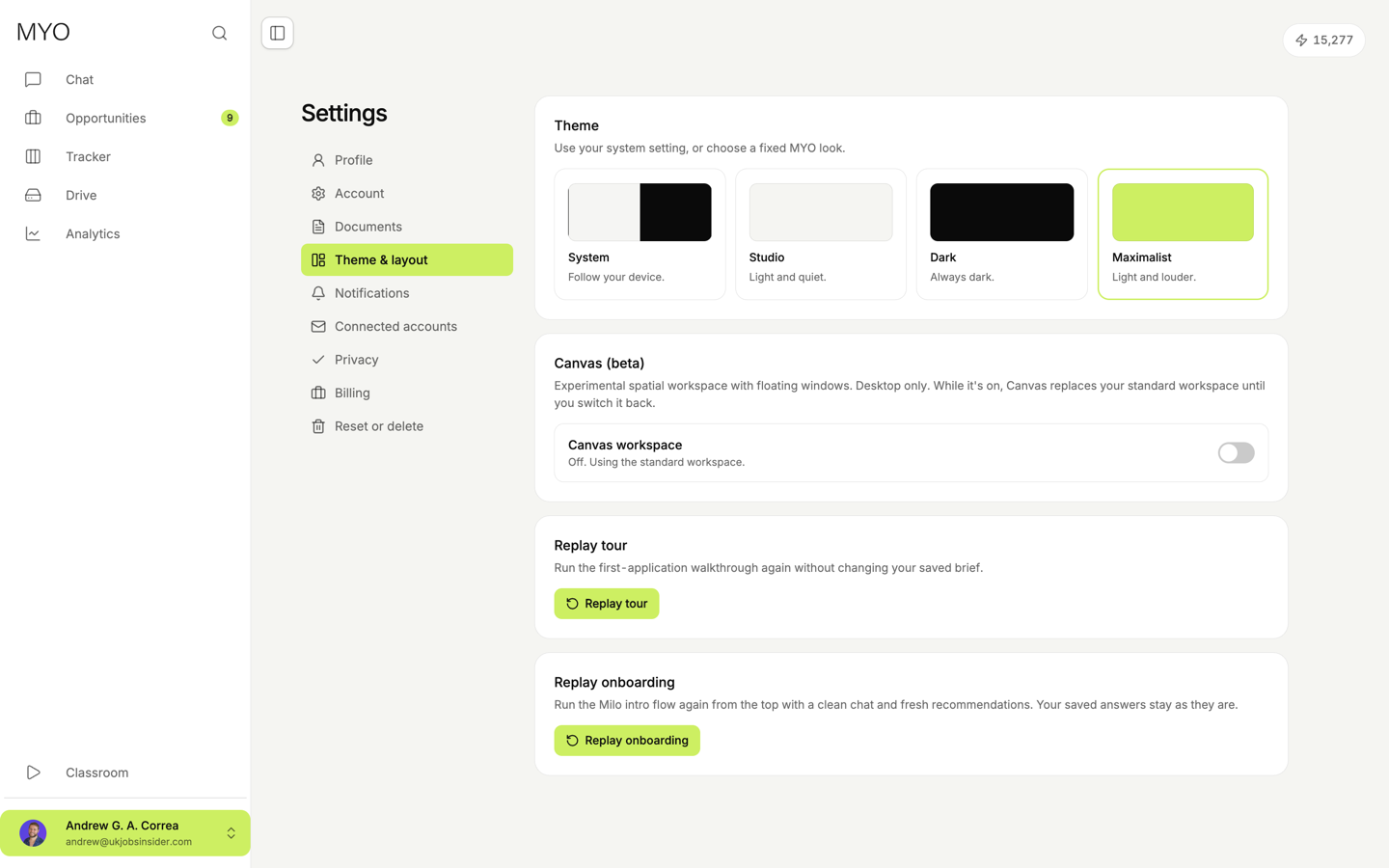
Canvas
Canvas is a beta spatial workspace with floating windows. It is desktop only. While it is on, it replaces the standard workspace. The dock along the bottom opens Home, jobs, documents, insights, and the rest. Exit Canvas returns to the standard workspace.
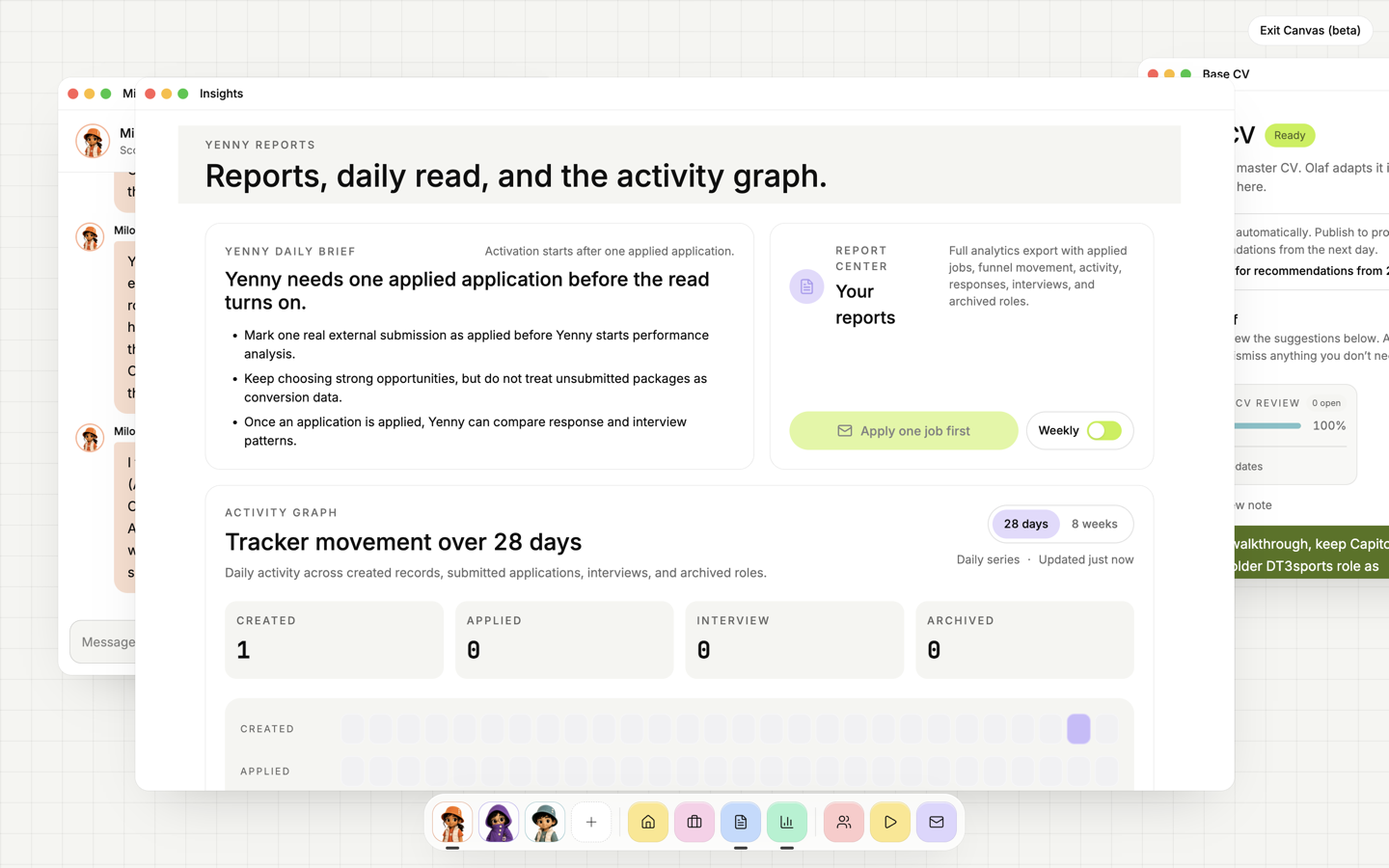
Replay
Replay tour runs the first-application walkthrough again. Your saved brief stays.
Replay onboarding runs Milo's intro from the top, with a clean chat and fresh recommendations. Your saved answers stay as they are.