
Profile
How you appear to other members. Cover, photo, name, handle, and bio.
Profile
Profile is how you appear in Community. It does not change the CV Olaf writes, except where your display name is the name on documents.
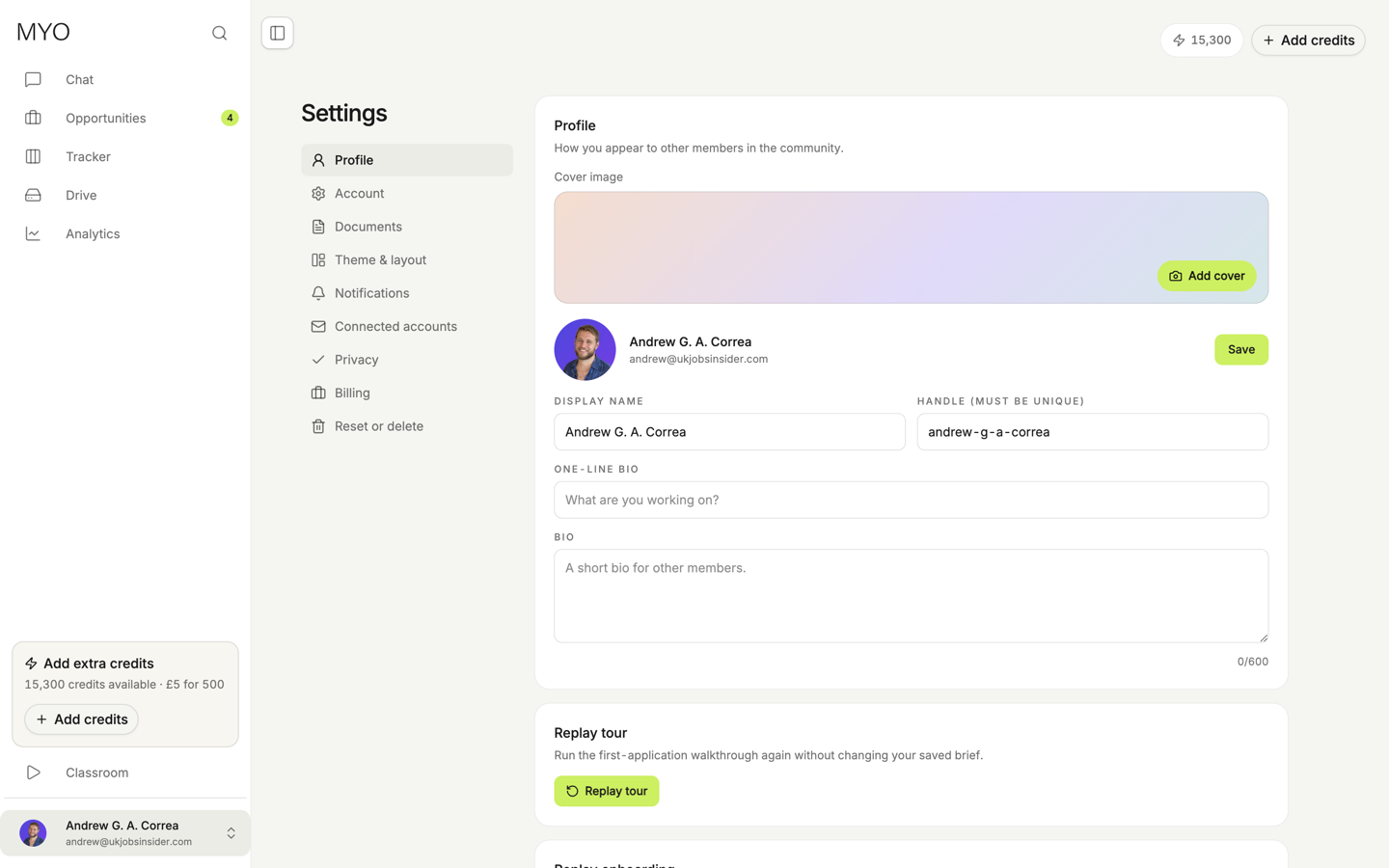
- Cover image and photo. Add a cover, and a photo members see.
- Display name. The name on your profile.
- Handle. It must be unique.
- One-line bio and a longer bio, for other members.
Save when you change them. Replay tour also sits on this section. It runs the first-application walkthrough again and keeps your saved brief. See Walkthrough.