Yenny
Yenny explains your application history, recruiter replies, and next steps.
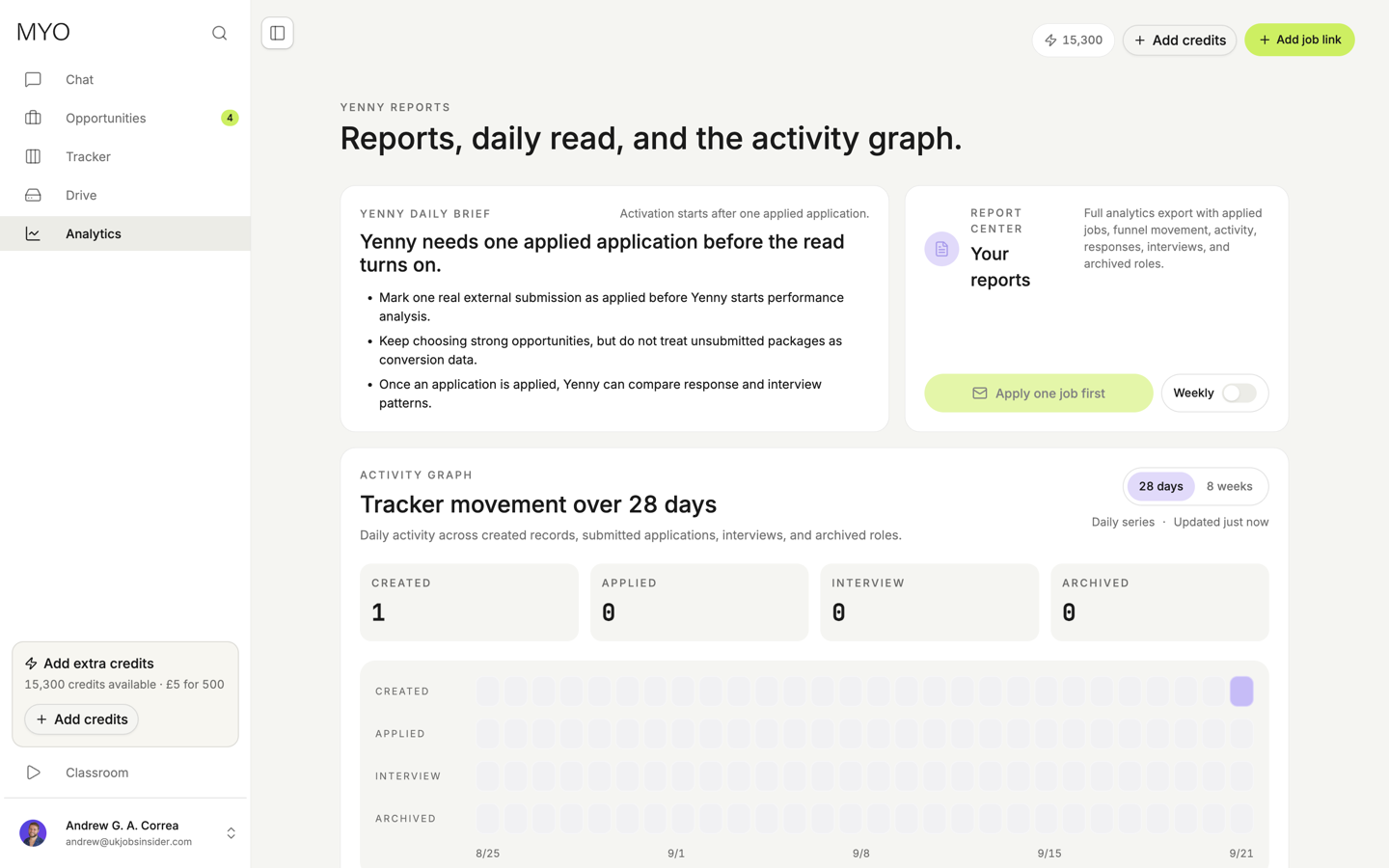
Yenny uses your tracker and linked recruitment emails to explain your progress. She does not send applications.
Her daily brief starts after one application reaches Applied. Downloading a complete application’s documents sets this status automatically. It does not confirm that the employer received your application.
What she shows
- Application activity and next steps.
- Receipts, recruiter replies, assessments, interviews, and decisions.
- Response times and follow-up history.
- A daily brief on Home.
- Reports in Analytics and saved PDFs in Drive.
Where the information comes from
Your MYO applications and imported external applications can both appear in reports. Select the application source in Analytics to control what you include.
A receipt confirms delivery. It is not an interview or a personal recruiter reply. Linked messages keep their original dates. Reports show gaps in available mail history, so “no observed reply” does not mean an employer never replied.
If an email belongs to the wrong application, change its link in Mail. You can also correct tracker details or review an imported entry.
Read and save reports
Open Analytics to create a report or enable weekly reports. The price appears before you create a report. Reading saved reports uses no credits.
Saved PDFs appear in Drive → Yenny reports. Google Drive sync can copy these reports to your own Google Drive.
Ask Yenny in Chat to explain a number or help plan your next step.